EXIF-aware
Reads capture time, camera, GPS and orientation, then adds season and time-of-day tags automatically.
 Clustr
 is a browser-based photo organizer for real camera libraries. It reads EXIF, matches photo times against Google Timeline, finds trips and stops with density heatmaps, and exports a clean folder tree with Adobe Lightroom XMP sidecars.
Built primarily for a PC + camera workflow. Phone support is included for camera-roll import, touch review and ZIP export.
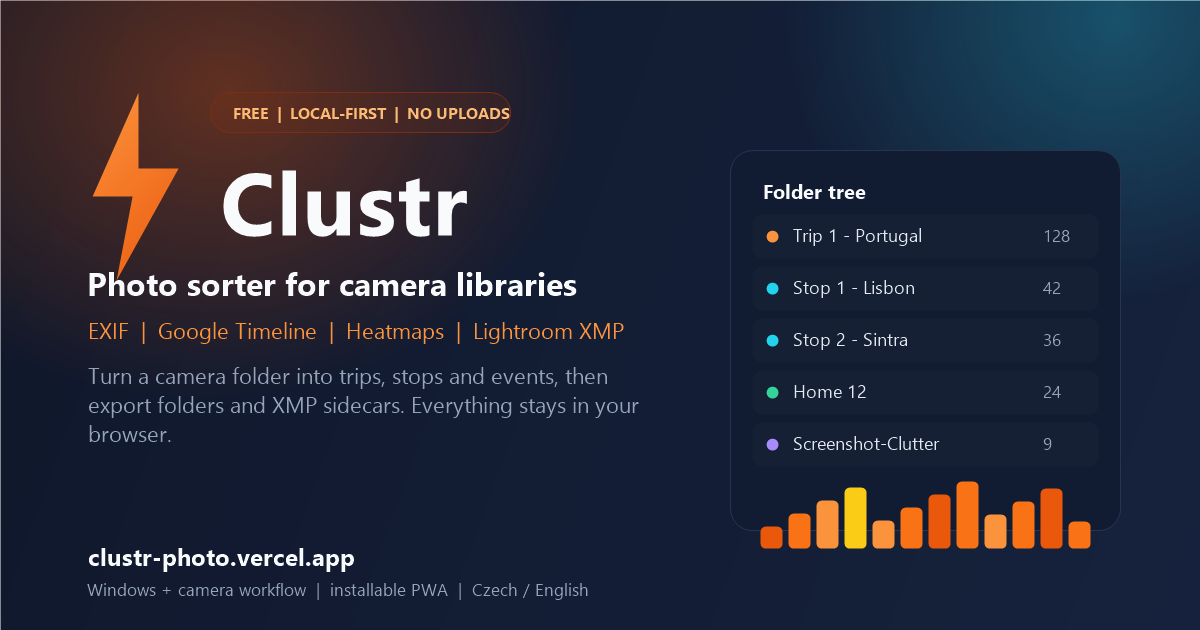
It is a focused replacement for manual trip-folder sorting, built around the metadata your camera and phone already produce.
Reads capture time, camera, GPS and orientation, then adds season and time-of-day tags automatically.
Uses visits, activities and paths to put a real place on photos even when the camera recorded no GPS.
A smoothed daily heatmap finds trips and rest days; a spatiotemporal grid splits each trip into stops.
Draw, split, merge and rename clusters in a docked heatmap before anything is exported.
Exports Windows-safe folder names plus XMP sidecars with keywords, hierarchy, city and location.
All processing happens in your browser. Photos are never uploaded to a Clustr server.
Five phases, each optional except the ones you need, with settings kept behind a cog.
Clustr assumes your photos are copied from a camera or memory card to a computer, then sorted and exported there in a Chromium-based desktop browser. That is where folder import, direct disk export and local AI work best.
The same app installs as a PWA. On a phone you can add photos from the camera roll, run the phases, browse the folder tree, draw touch ranges on the heatmap, use Tinder review and export a ZIP with XMP sidecars.
Short answers about privacy, formats, Timeline, Lightroom and mobile use.
Yes. Clustr is free and ad-free. There is no account, no subscription and no upload quota. Optional support through Ko-fi keeps development going.
No. Photos are read and processed in your browser. The app has no photo backend and never uploads your library. Metadata is stored locally in IndexedDB; photo blobs are not stored.
Yes. Import a Google Timeline JSON export and Clustr matches visits, activities and paths to your photo times. If Timeline is missing, GPS EXIF and interpolation are used instead.
JPG, PNG, WebP, HEIC and HEIF, plus RAW formats such as NEF, CR2, ARW, DNG, ORF and RAF, and TIF or TIFF. Paired JPGs and embedded previews are used for RAW thumbnails.
Yes, as a secondary workflow. Install the PWA, add photos from the camera roll, run the clustering phases and export a ZIP with photos and XMP sidecars. The primary workflow remains a PC with camera files.
Yes. Export writes a folder hierarchy and XMP sidecars with keywords, hierarchical subjects, city and location fields that Lightroom can read.
Use a Chromium-based browser on desktop for folder import and direct folder export. On mobile, any modern browser can install the PWA and export a ZIP.
After the first load the service worker caches the app shell and vendor libraries, so Clustr works offline. Installing the PWA gives the most reliable storage behavior on iOS.
Open Clustr, select a folder and let the heatmap find the trips. Work from a copy of your photos and review the exported folders before deleting anything.
Open Clustr